Soundboard into Discord
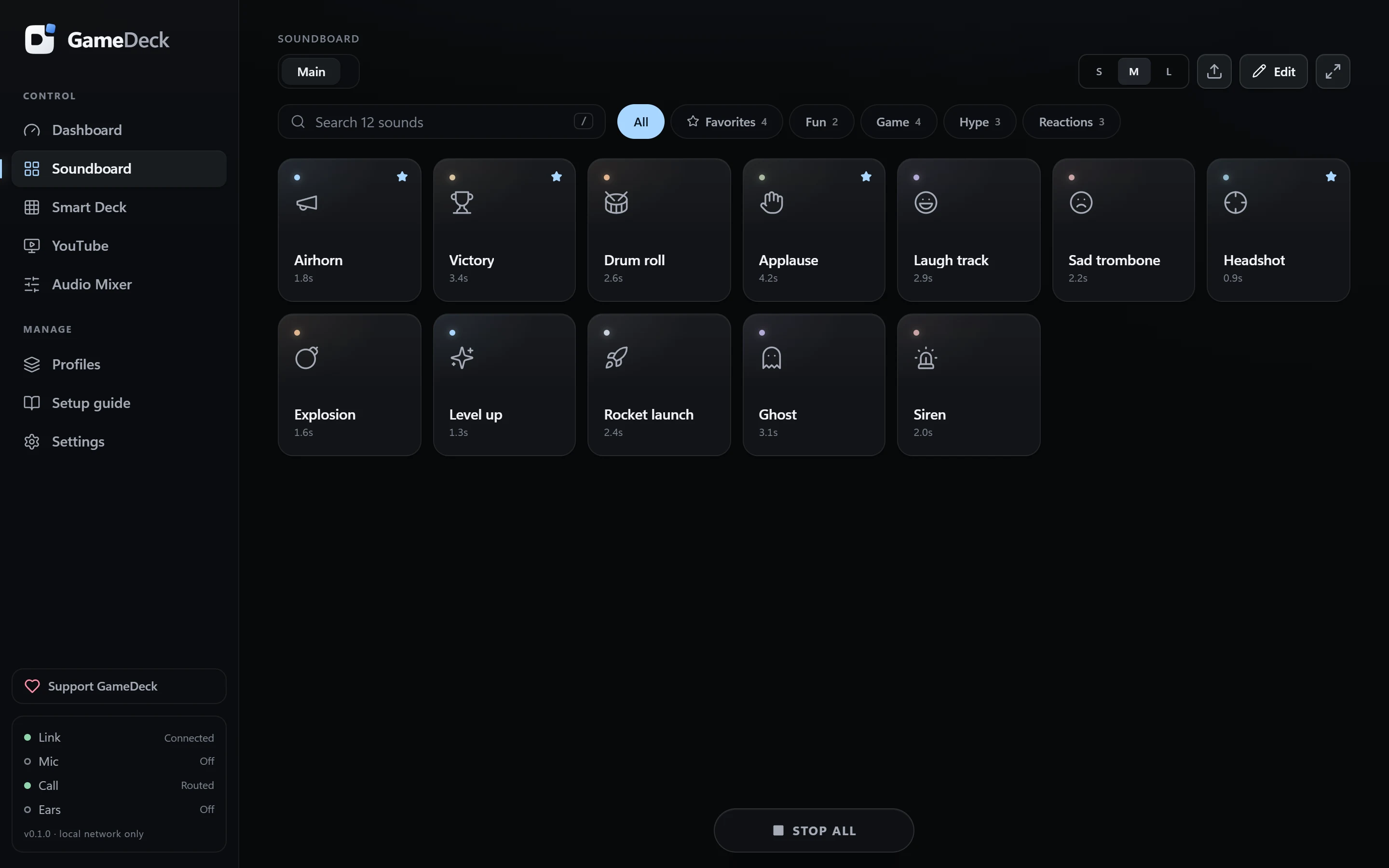
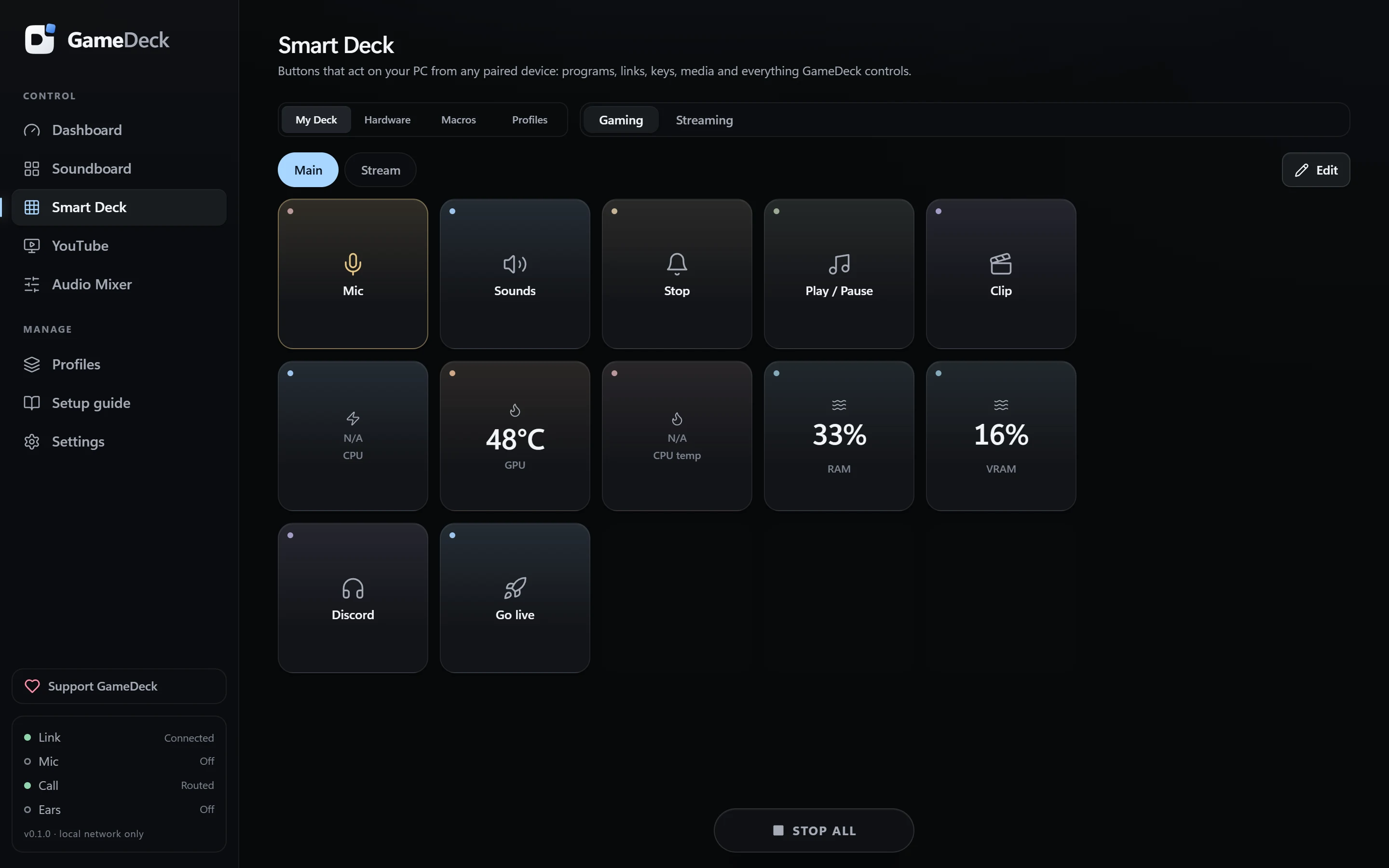
Your voice and your sounds go into the call together through a virtual cable, while you hear the sounds in your headphones.
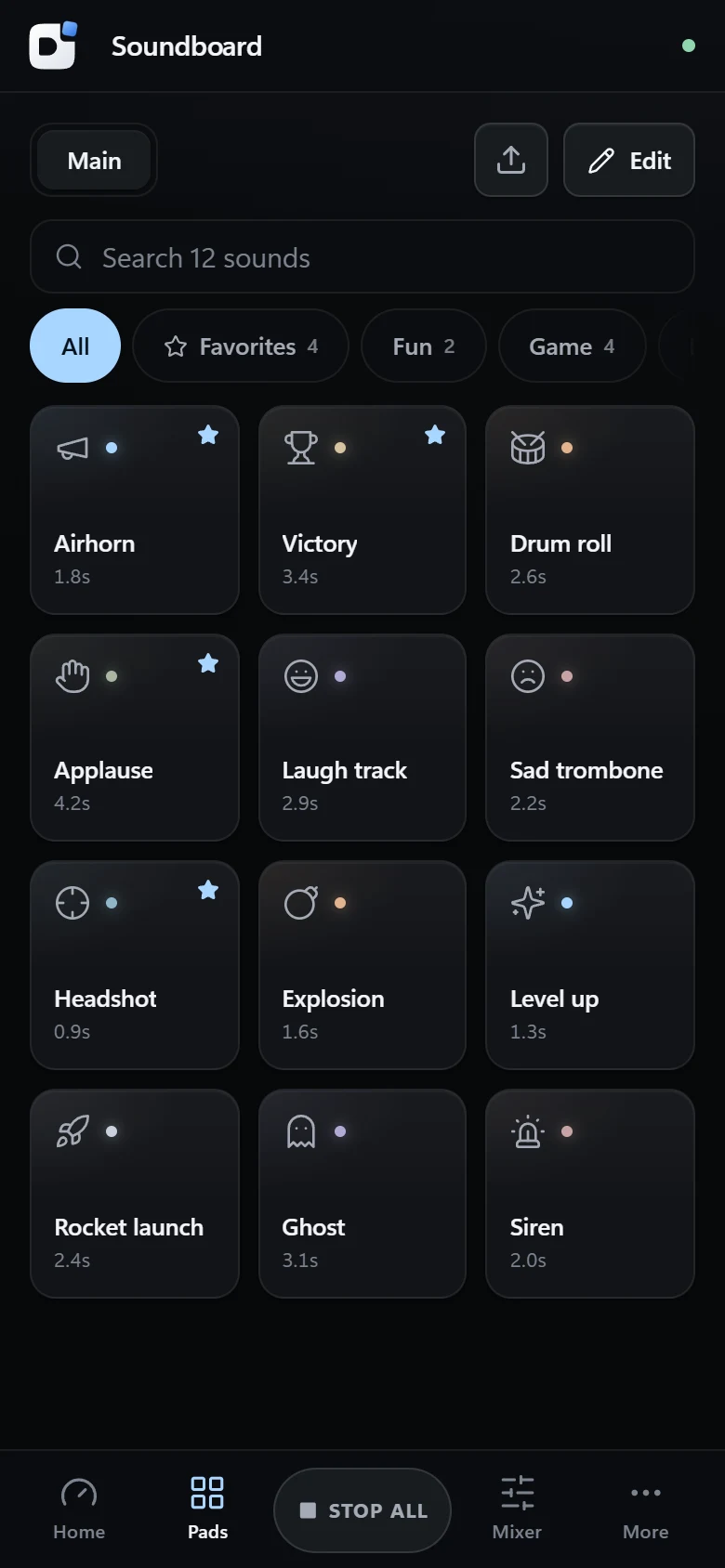
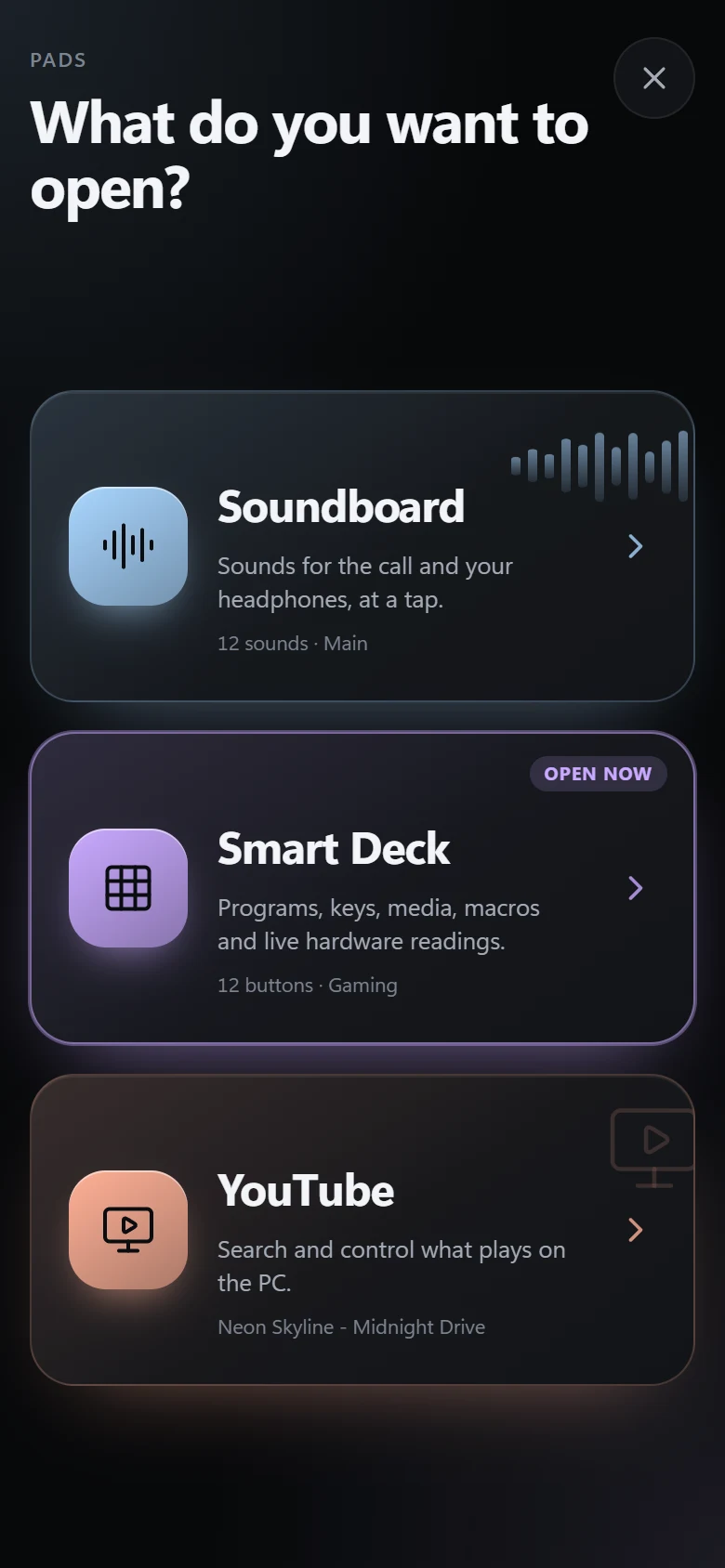
Play sounds straight into Discord, launch apps and macros, watch your PC’s temperatures and control YouTube, all from the phone or tablet next to your keyboard.
Built for the setup you already have
GameDeck runs quietly next to the clock and turns any browser on your network into a control surface. No cloud, no subscription.
Your voice and your sounds go into the call together through a virtual cable, while you hear the sounds in your headphones.
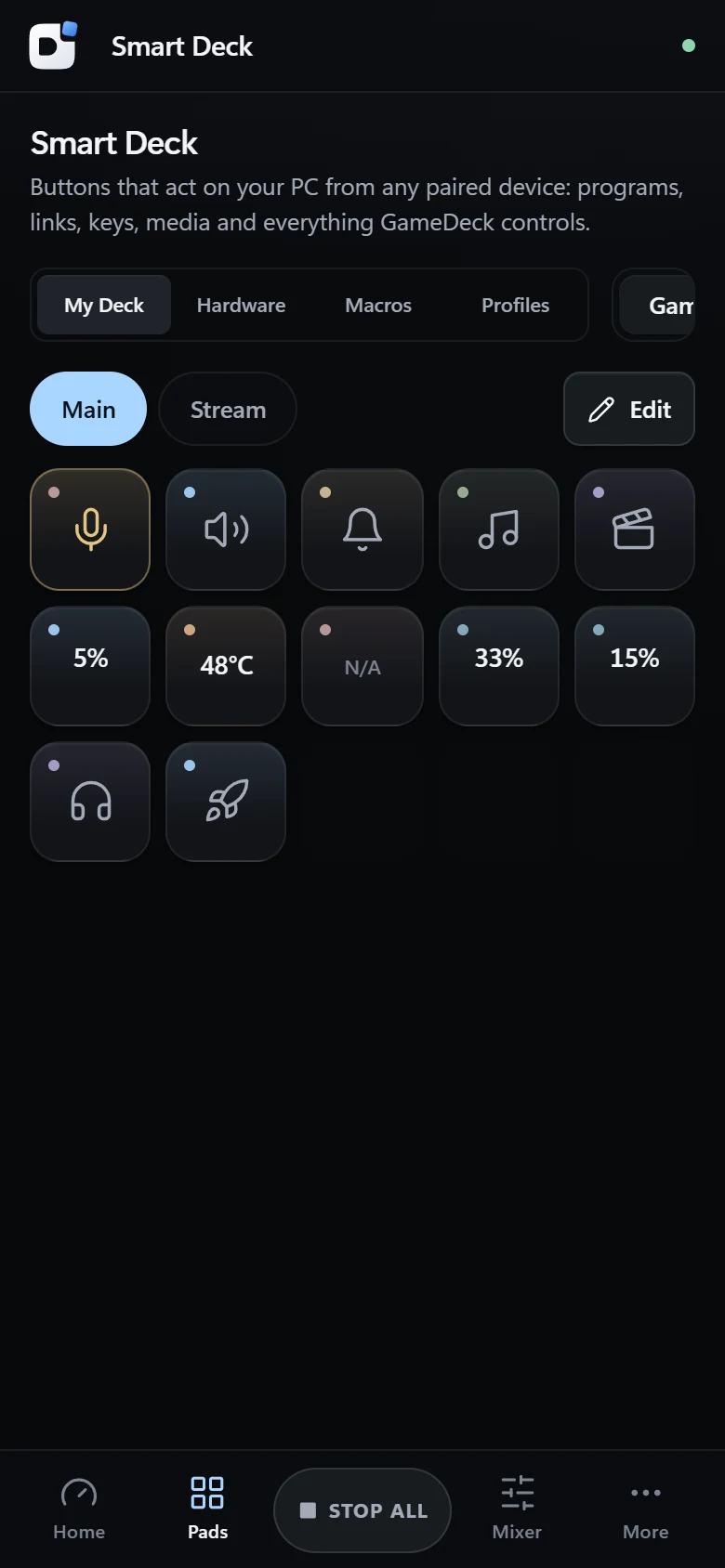
Buttons that open programs and websites, press shortcuts, control music, run macros and show or close windows.
GPU temperature, CPU, RAM and VRAM right on your buttons, turning amber and red when things heat up.
Save the volume of every app and switch with one tap, a shortcut, or automatically when your game comes to the front.
Search, pick a song, skip and change the volume of the YouTube tab on your PC, without leaving your game.
English, Spanish, Portuguese, German, French, Polish, Russian and Romanian. New versions install with one click.
Drop in your MP3 and WAV files, trim them, pick an icon and a colour. Tap to play, tap again to restart or stop.
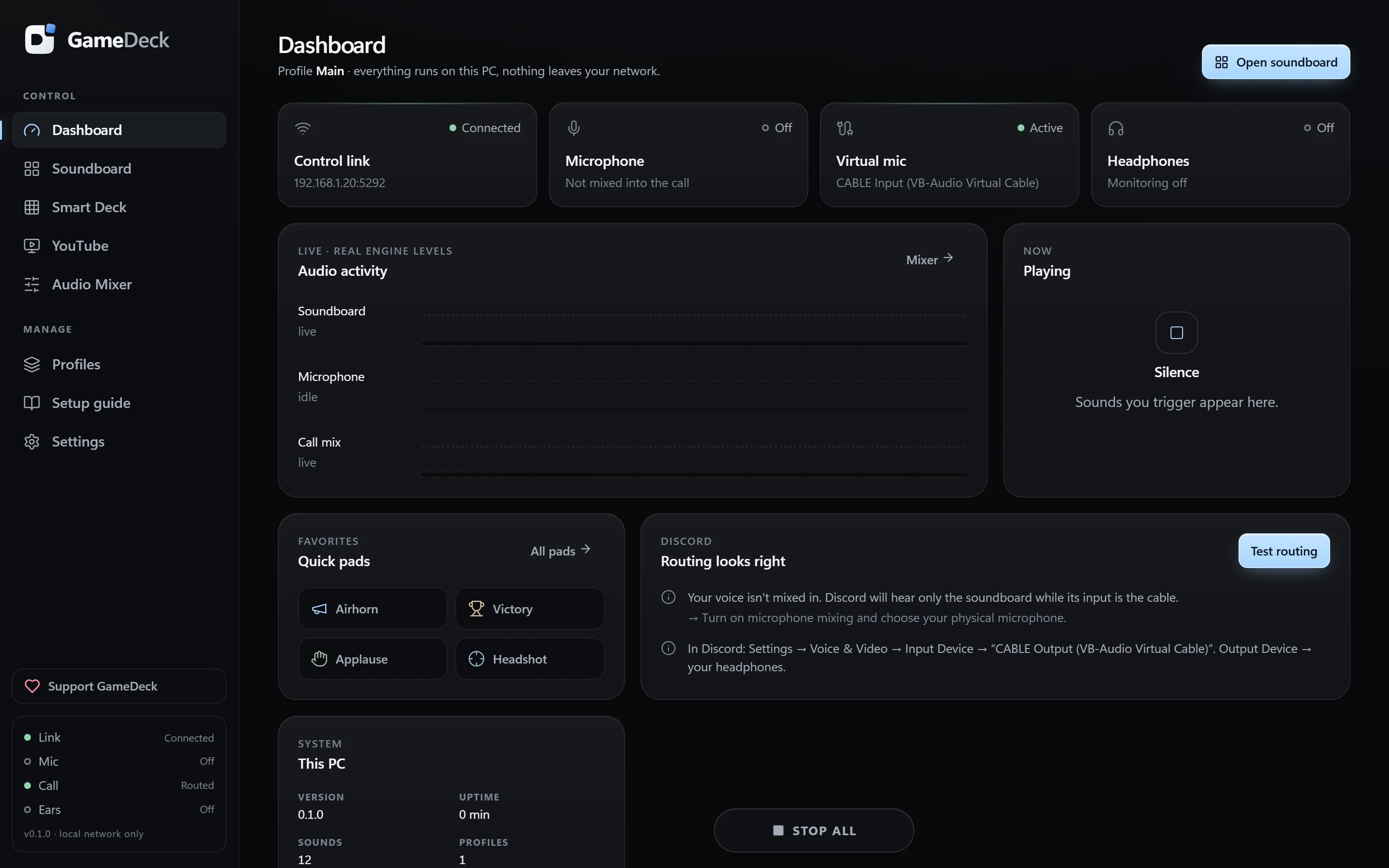
Build pages of buttons with animated GIFs, two-state toggles and long-press actions. Macros chain several steps: open OBS, wait, switch scene, mute the mic.
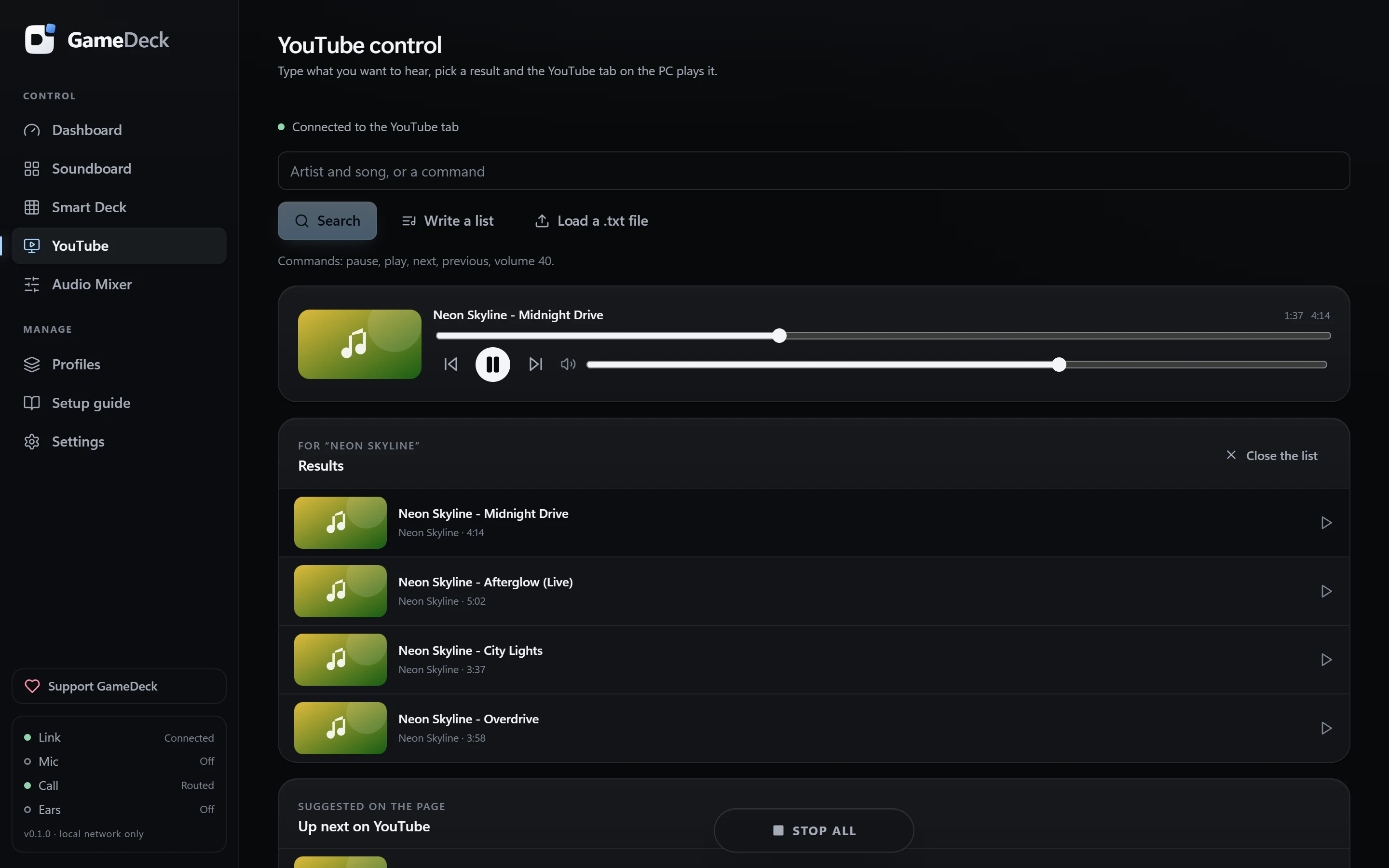
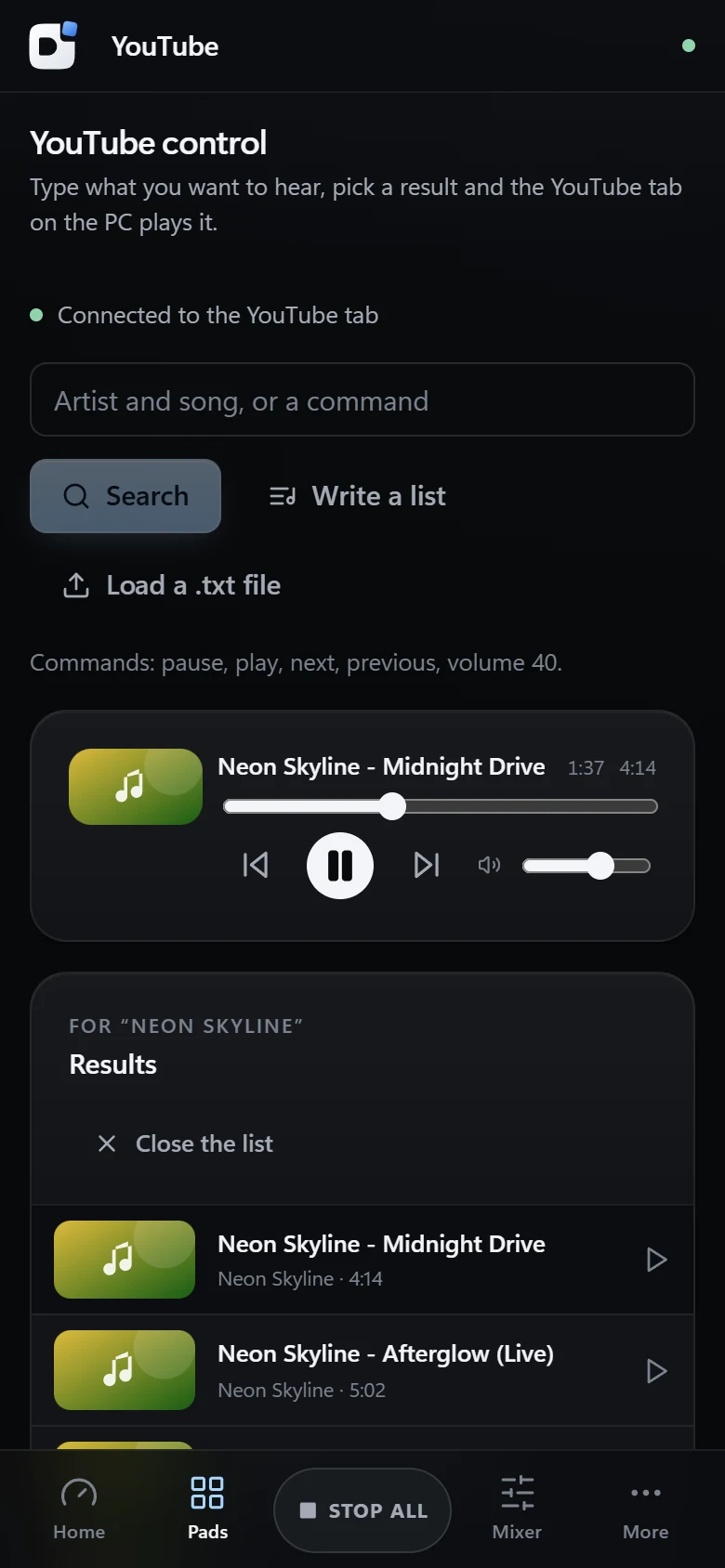
Type a song, pick it from the results and the YouTube tab on your PC plays it. Keep the current song while you search, see what plays next and paste whole lists.
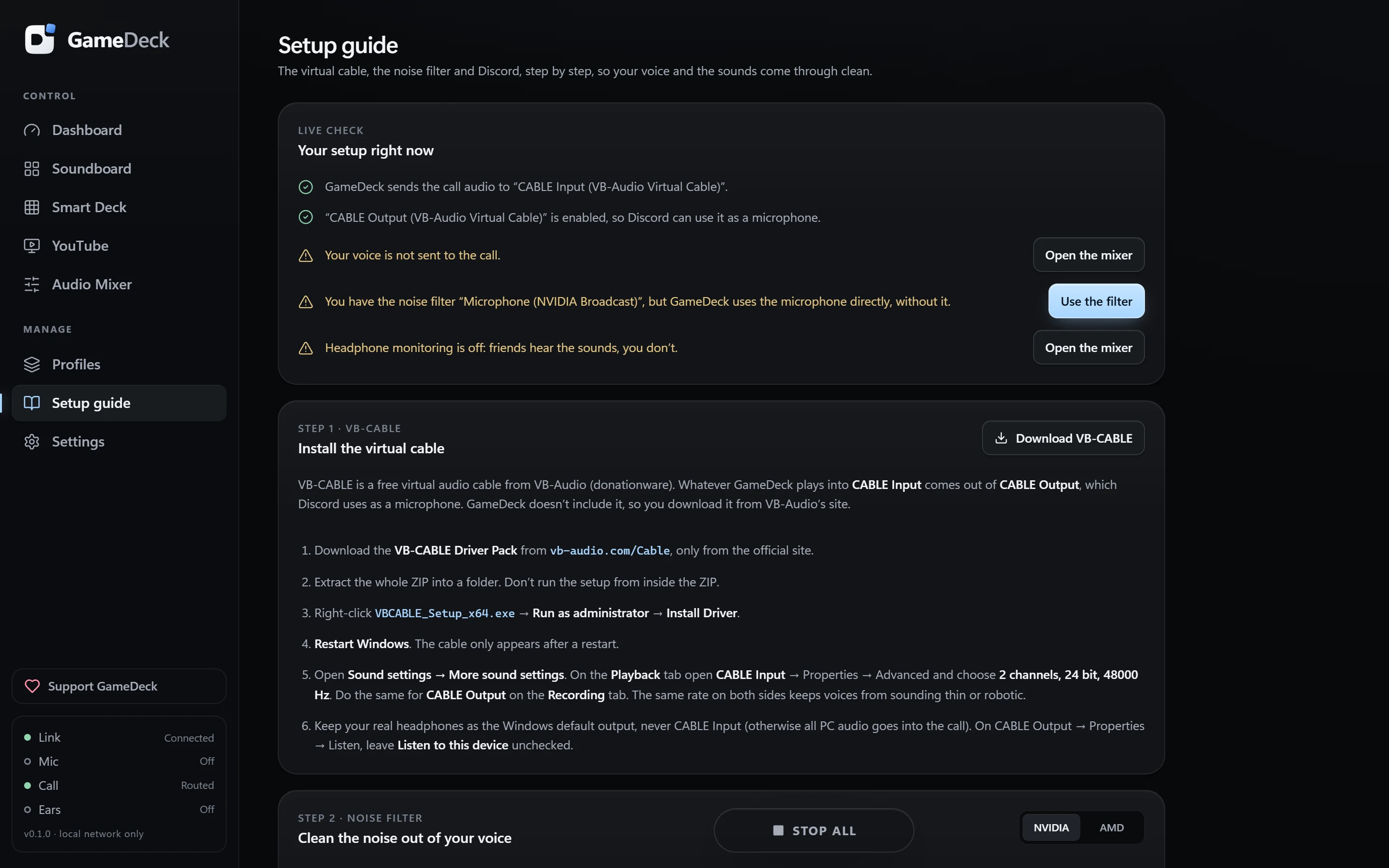
The setup guide inside the app checks your configuration live and tells you exactly what to click.
Run the installer. GameDeck starts next to the clock and can start with Windows.
Scan the QR code with your phone camera, or open the address and type the 6-digit code.
Install the free VB-CABLE once and pick it as your Discord microphone. The guide walks you through it.
Step-by-step instructions for VB-CABLE, NVIDIA Broadcast or AMD Noise Suppression and Discord, with a live check that shows what is right and fixes what isn’t in one click.
Big buttons, a tab bar with Stop all in the middle, and a full-screen focus mode. Add it to your home screen and it feels like an app.
The PC only answers devices on your own Wi‑Fi.
Each phone needs a code from the PC, and you can remove it any time.
GameDeck sends nothing about you anywhere.
Every line of code is public on GitHub.

One installer for Windows. Your phone needs nothing but a browser.
All versions and release notes
GameDeck is free, without ads and without a subscription. If it makes your games and streams better, a donation keeps new features coming.
When you donate, write “donation” in the note.
GameDeck is designed and built by kalinvisuals, an independent developer from Romania. It started as a tool for my own gaming nights with friends and grew into a full control centre. Ideas and bug reports are always welcome.
Yes. It is free and open source under the GPL-3.0 license, with no ads, no account and no subscription. Donations are voluntary.
A Windows 10 or 11 (64-bit) PC, and a phone, tablet or another computer with a browser on the same Wi‑Fi. To send sounds into Discord you also need the free VB-CABLE driver.
Yes, in any modern browser: Safari, Chrome, Samsung Internet, Edge. Add it to your home screen for a full-screen, app-like experience. There is nothing to install on the phone.
Yes. GameDeck mixes your microphone and the sounds into a virtual cable, and you choose that cable as your Discord microphone. The setup guide in the app checks everything and tells you what to change.
Yes, and it’s recommended. Pick the cleaned-up microphone in GameDeck and turn off noise suppression in Discord, so your voice isn’t processed twice and sound effects aren’t removed.
The control link never leaves your local network. GameDeck only reads public files from GitHub to find new versions and announcements, and it sends nothing about you.
The installer isn’t code-signed yet, so Windows SmartScreen may warn you. Download it only from this site or the official GitHub page, then choose More info → Run anyway. The full source code is public for anyone to check.
When a new version is out, GameDeck shows what’s new and installs it with one click. Windows asks for permission once, then GameDeck restarts by itself and your phone reconnects.
A small extension for Chrome or Edge connects the YouTube tab to GameDeck. It’s installed from GameDeck in developer mode; the app shows you the steps. Music plays in your headphones and is not sent into Discord.
Only devices you pair with the code shown on your PC. You see every paired device in Settings and can remove any of them. Buttons that open programs can only be created on the PC itself.
English, Spanish, Portuguese (Brazil), German, French, Polish, Russian and Romanian. You can change the language any time in Settings.
From Windows Settings → Apps, like any program. The uninstaller asks whether to keep your sounds and settings for a later reinstall.